 Virtual Colossus
The rotors
This page has some technical details to help you understand how the Lorenz SZ42 works.
The Lorenz SZ42 has twelve rotors, each with a number of pins or cams (small switches) round its edge. Each rotor has a different number of cams, 501 in all. The numbers of cams were chosen to be co-prime with each other, so the rotors turn for a very long time before the same key comes round again.
The five cipher wheels on the right-hand side were called the Chi wheels at Bletchley Park (Spaltencaesar in German). These all turn every time a letter is enciphered, and have 41, 31, 29, 26 and 23 cams.
The five wheels on the left-hand side (the Psi, or Springcaesar in German) have 43, 47, 51, 53 and 59 cams. These turn only 50% of the time, depending on the current setting of the Mu or motor wheels (rotors 6 and 7).
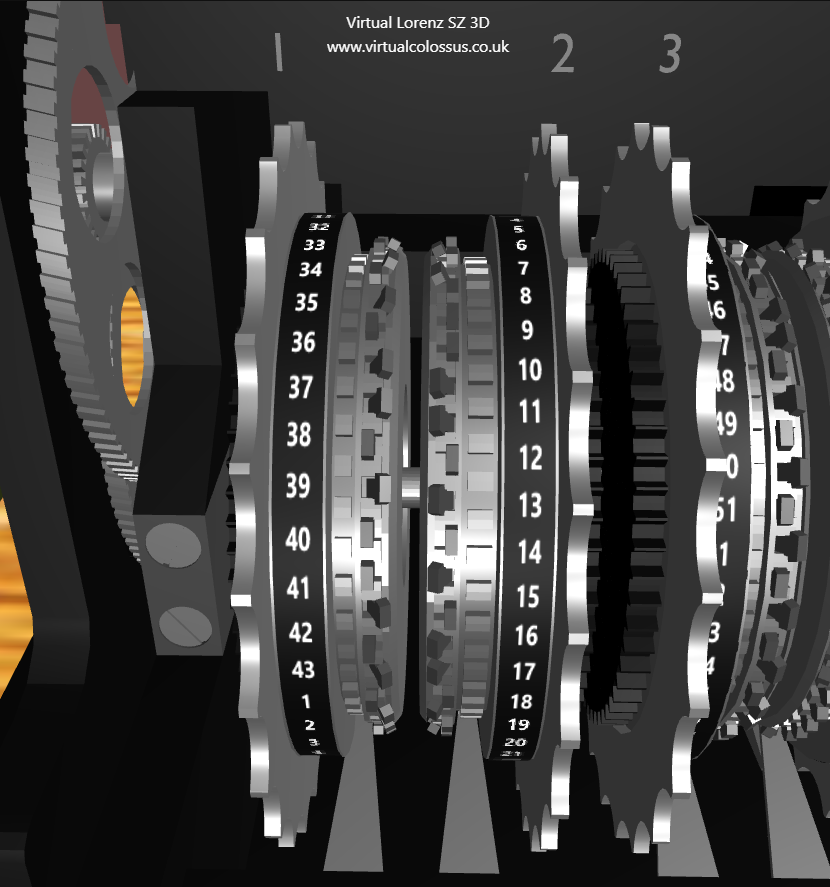
The image below shows the cams on the first and second rotors (43 and 47 cams). Setting a cam towards the numbers makes it active (x), while setting it to the side away from the numbers makes it inactive (•). Each rotor has a spring-loaded contact lever with a roller, which reads the value of each cam as the rotor turns.
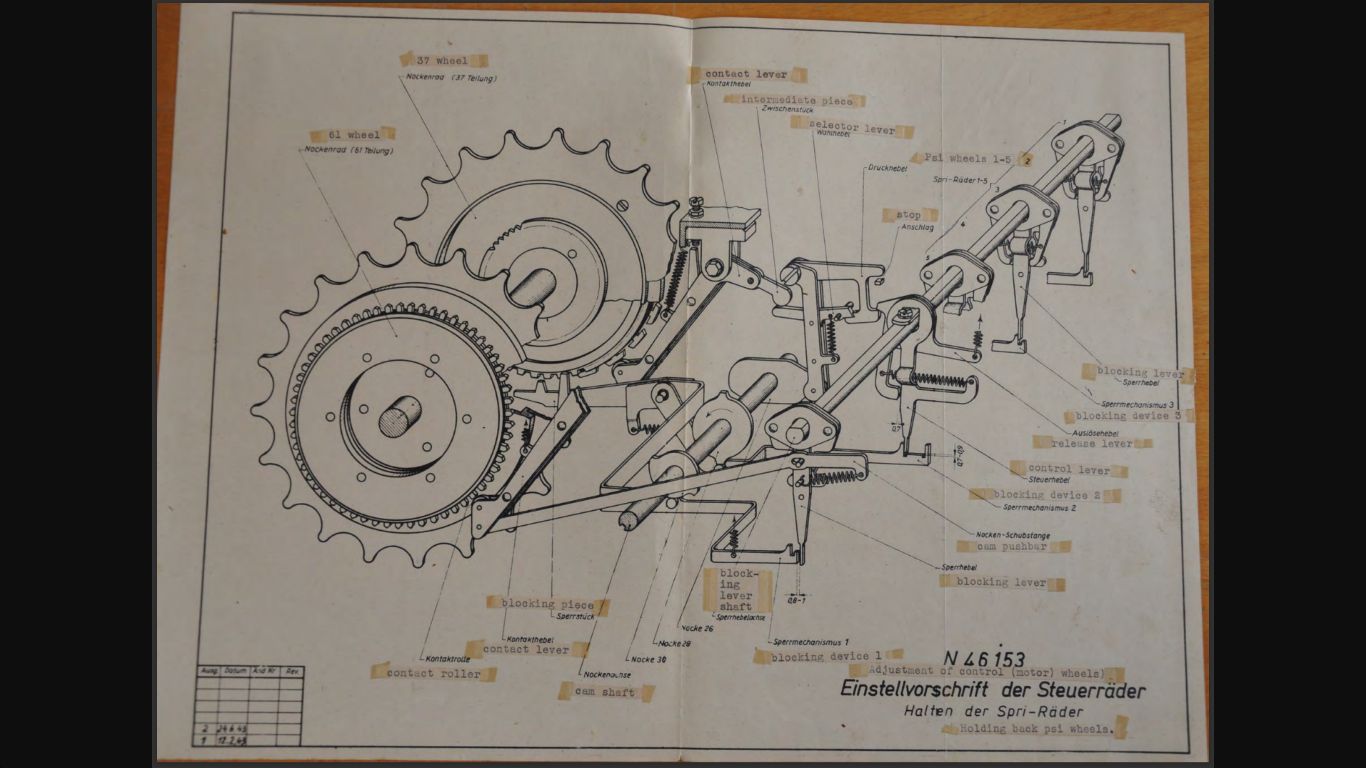
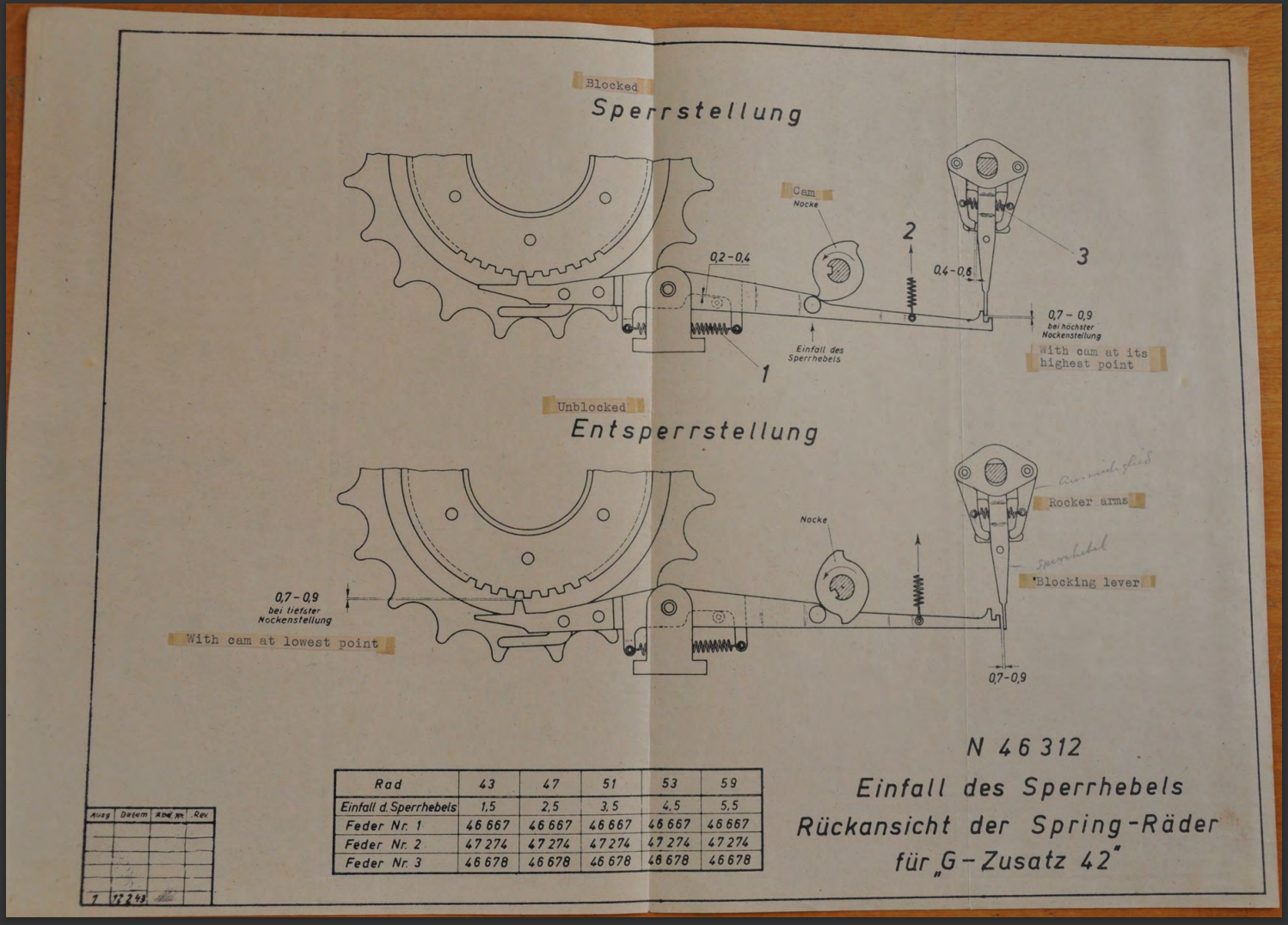
How the blocking levers stop the Psi wheels turning.
Reading the cams
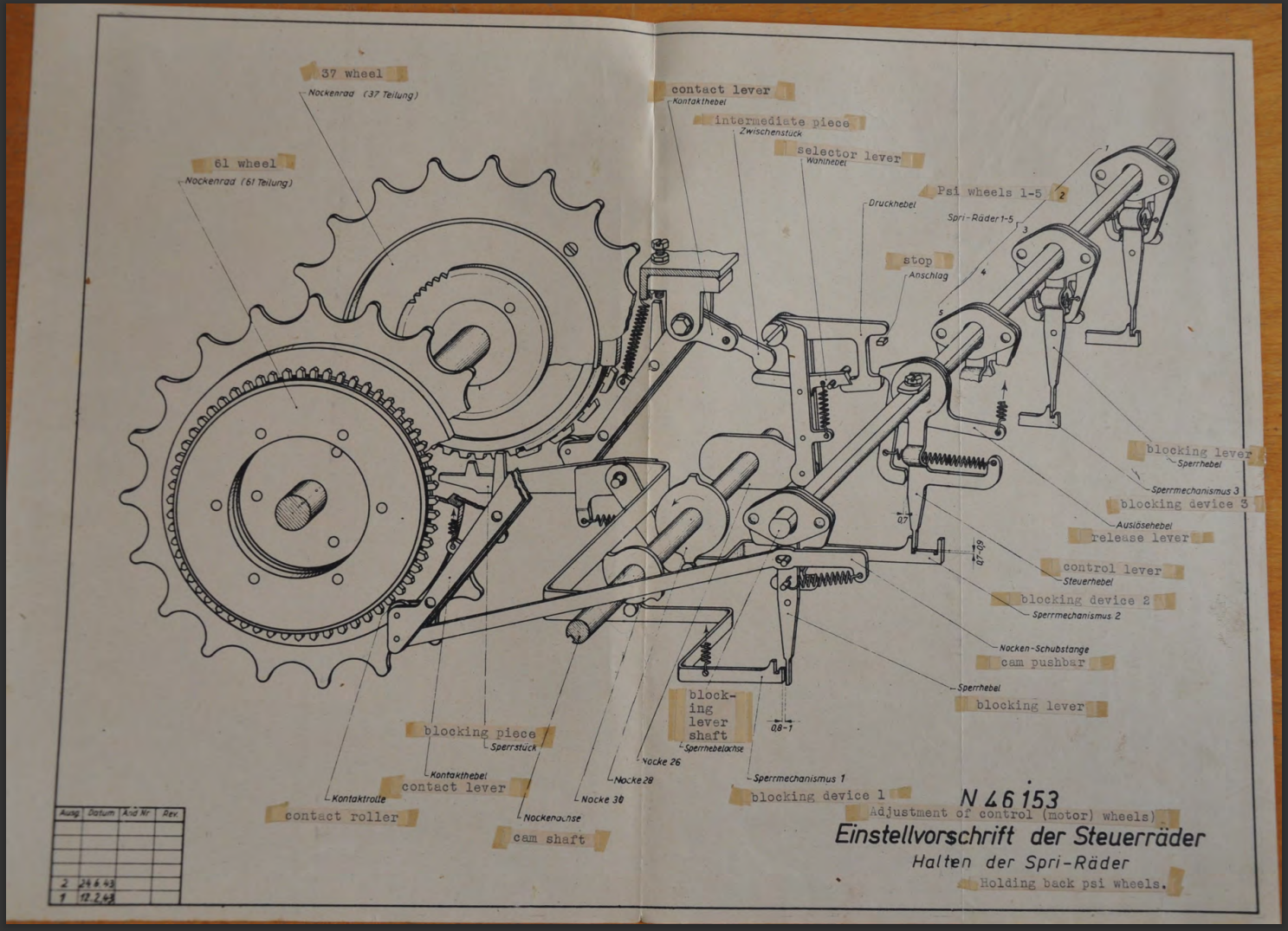
A spring-loaded contact lever with a roller runs against the back of each of the twelve rotors to read the setting of its cams. The drawing below, of the motor (Mu) rotors, shows two of these contact levers, which connect at the lower back of the lever. When a cam is set upright (towards the numbers), the roller pushes the lever away slightly, so the blocking lever to the next rotor is no longer set. If the cam is set to off, the roller moves in, pushing the blocking lever into place and stopping the next rotor.
In Virtual Lorenz, I’ve taken a small piece of artistic licence: the rotors are read at the front window rather than at the back. First, this makes it easier for you to see how the switches affect the other rotors; second, I don’t have exact information on which cam each rotor is read from. Hopefully this can be resolved in future, if access to the Lorenz machines at TNMOC or Bletchley Park becomes possible.
Documents
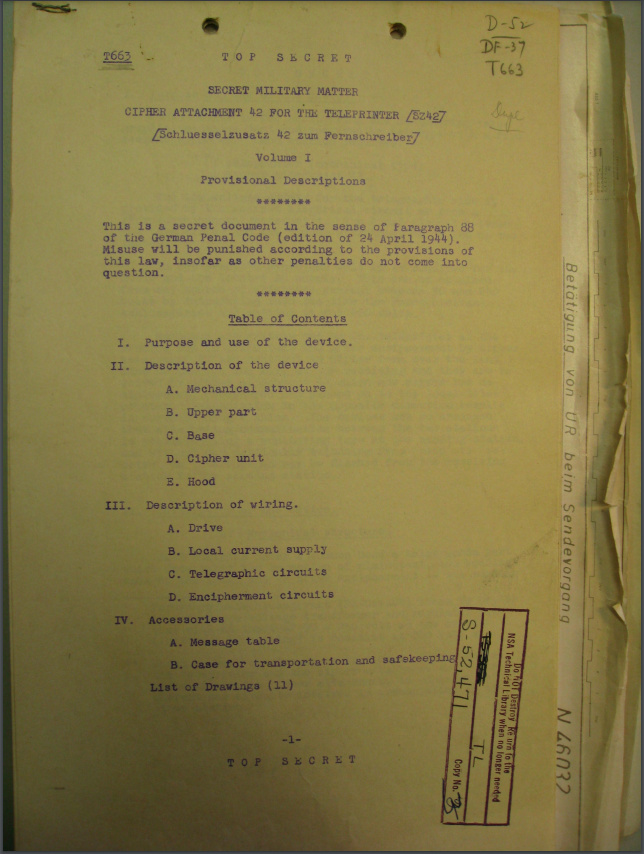
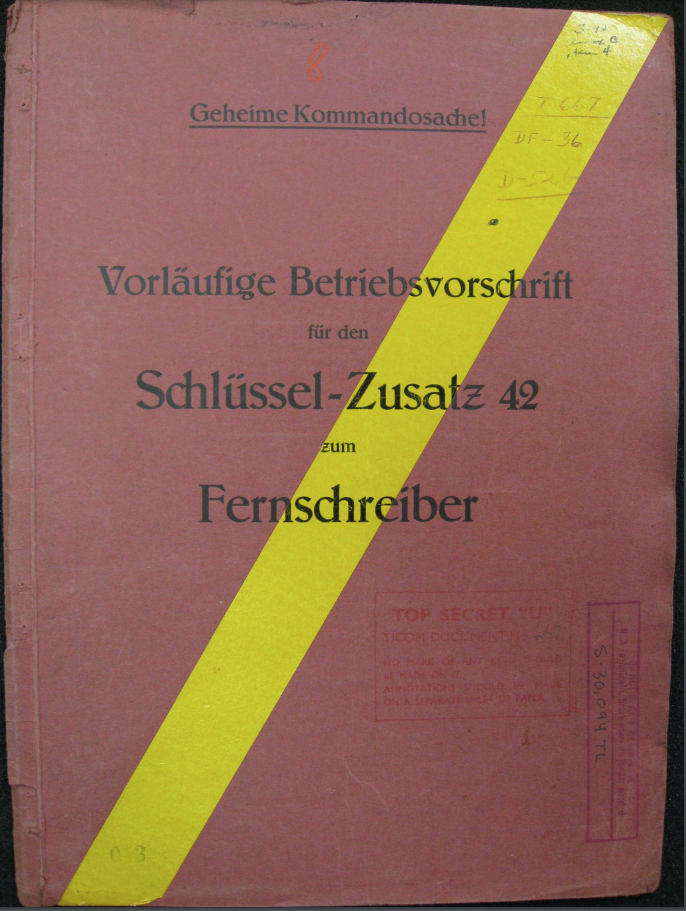
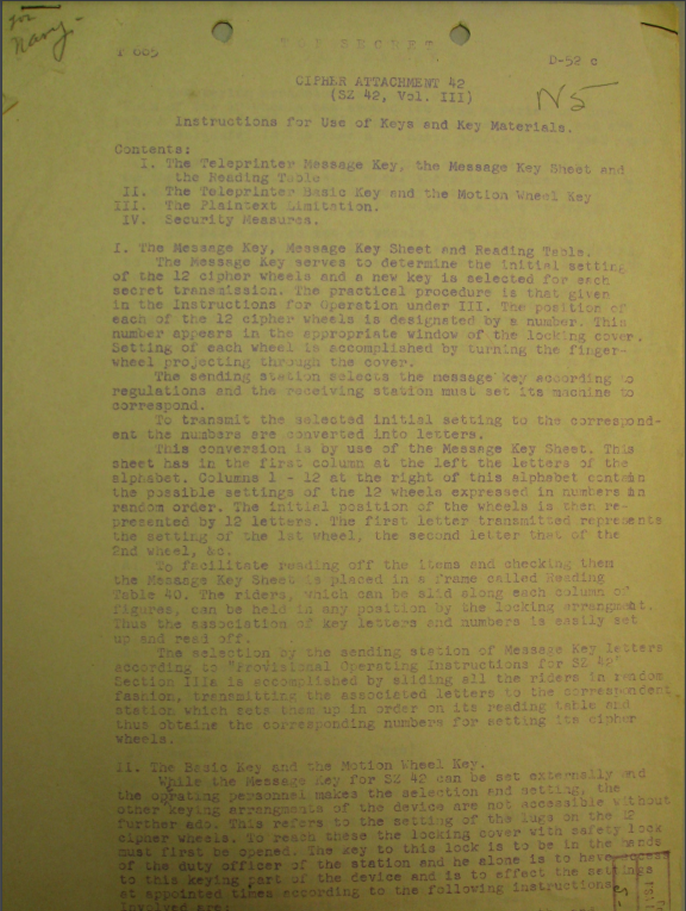
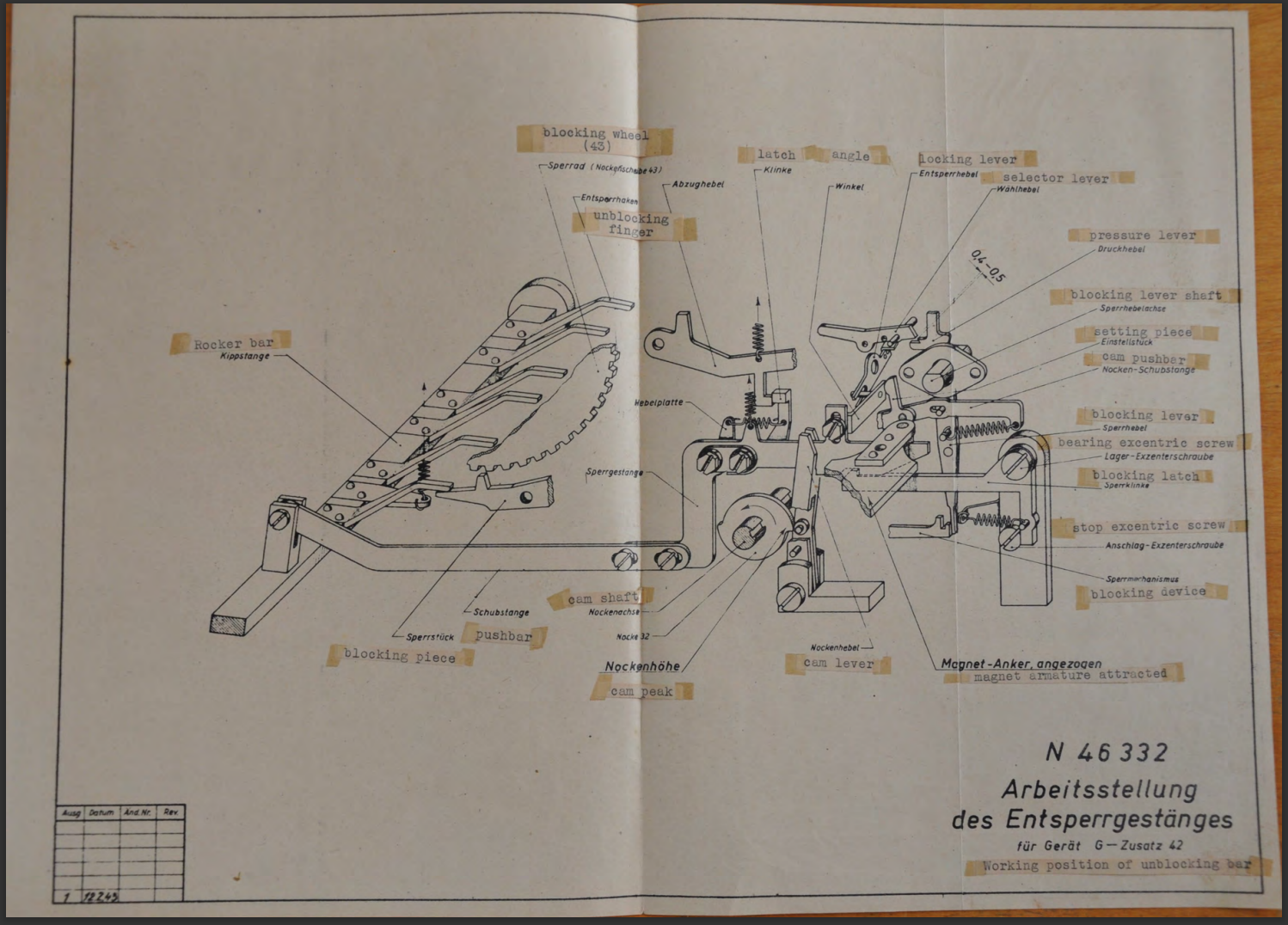
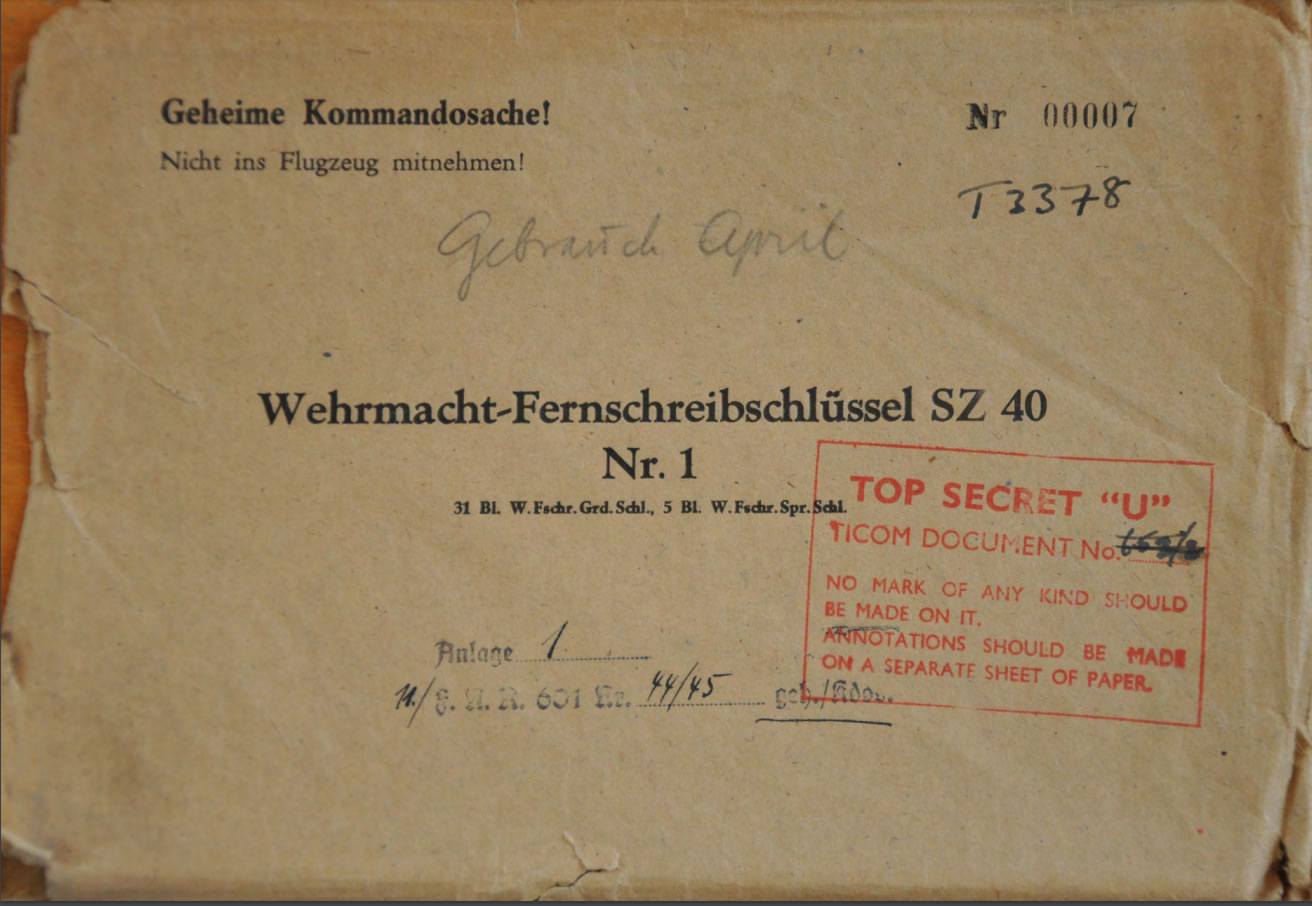
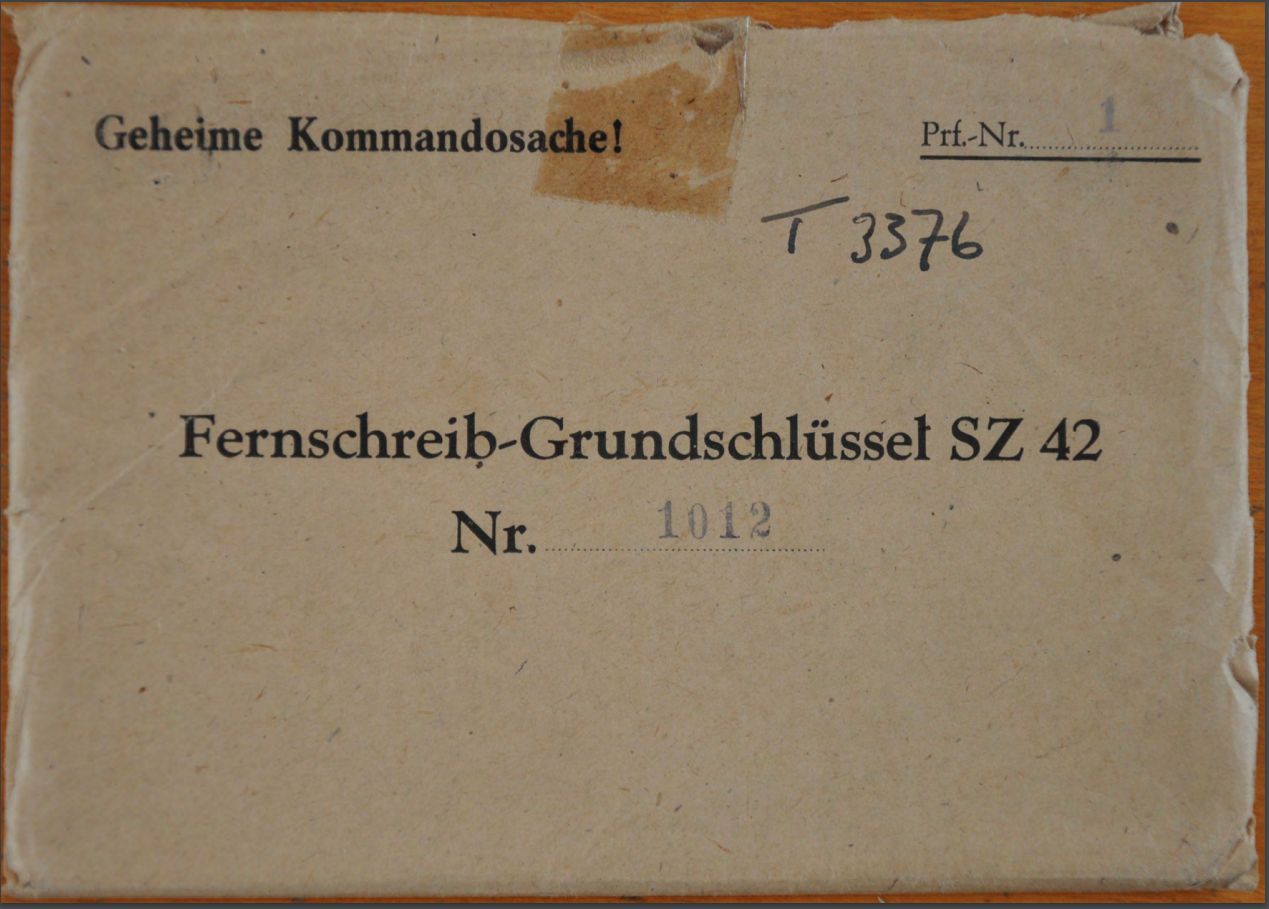
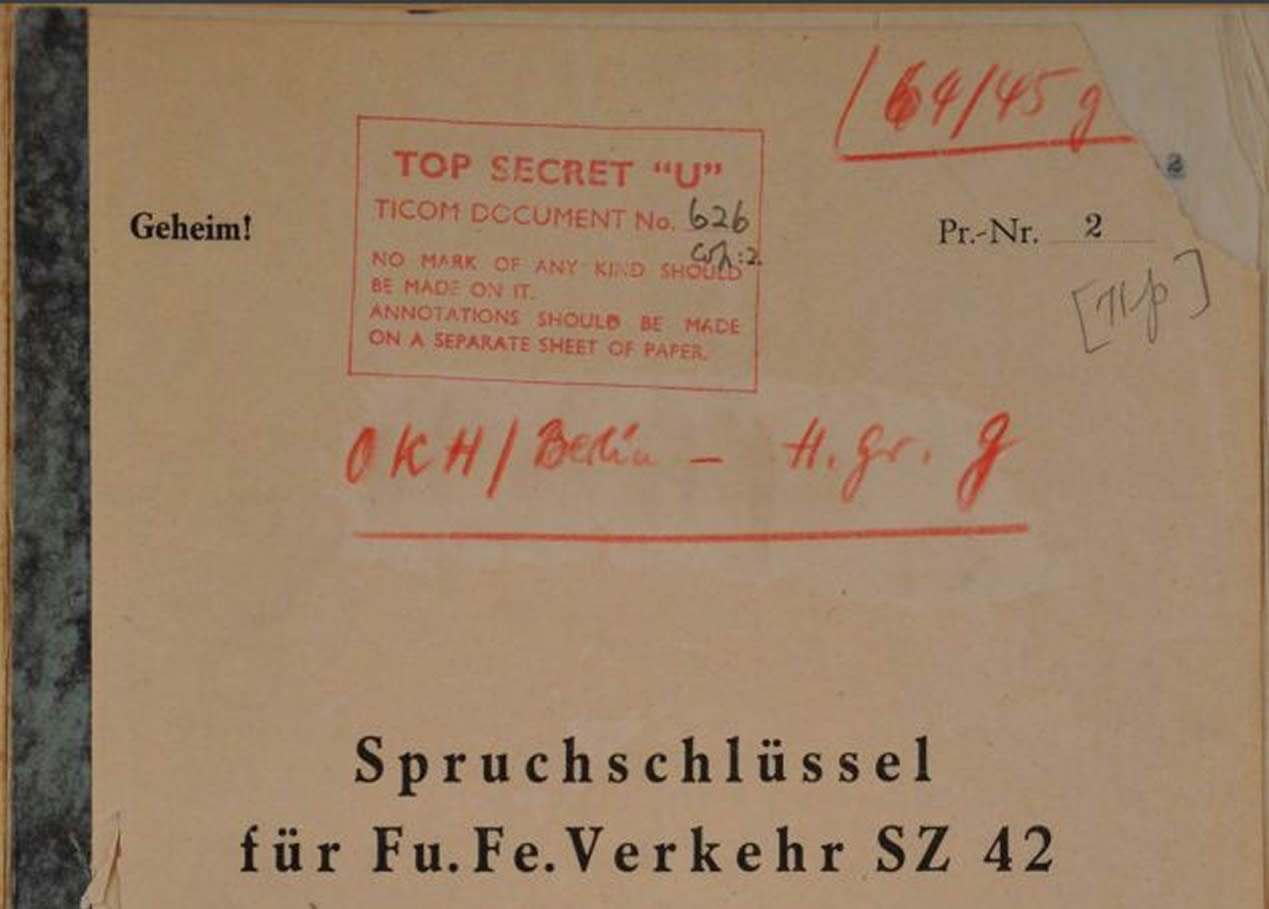
The documents in this section are from Frode Weierud’s excellent CryptoCellar. Most of the TICOM documents are listed as being in the TICOM collection of the German Foreign Office’s Political Archive. For the original German documents as PDFs, and much more information, please follow the link.
Transmitting the data
A common way of sending ITA2 teletype transmissions, at least in amateur radio circles, is RTTY. The modem converts the digital signal from the teleprinter or tape reader into one of a pair of audio tones, traditionally 2295/2125 Hz (US) or 2125/1955 Hz (Europe). One tone stands for the mark condition and the other for the space condition.
The Lorenz used a different method: multi-tone modulation on the radio carrier. Two sets of tones were used, one for a mark (1) in the ITA2 code and the other for a space (0).
Each set had three tones, chosen not to be harmonically related. Virtual Lorenz generates these tones in real time as you send or receive messages.
Each character is sent as: a 20 ms space (the start bit), then the five data bits of 20 ms each, and finally the stop bit, a mark tone of 1.5 bits (30 ms).
Mark: 900 Hz, 1620 Hz, 2340 Hz
Space: 540 Hz, 1260 Hz, 1980 Hz
Next: make your own Paper Lorenz.